Smart matching
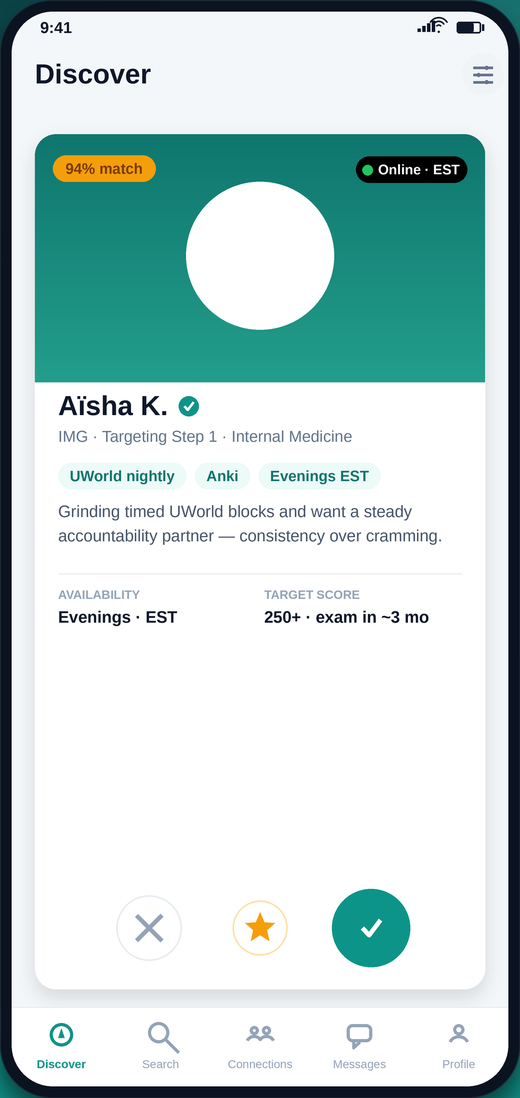
Ranked by what matters: same exam, overlapping study hours, comparable target score, and shared resources like UWorld or Anki.
For IMGs & USMLE candidates
StudyMeet matches you with med students preparing for the same exam — filtered by Step 1 or Step 2 CK, specialty, target score, and time zone. Then message them, plan a session, and actually show up.
Features
Not another generic social app. Every feature is shaped around exam prep, question blocks, and the reality of studying across time zones.
Ranked by what matters: same exam, overlapping study hours, comparable target score, and shared resources like UWorld or Anki.
Real students, not bots. Profiles show exam track, specialty interest, and availability so you know who you're matching with before you connect.
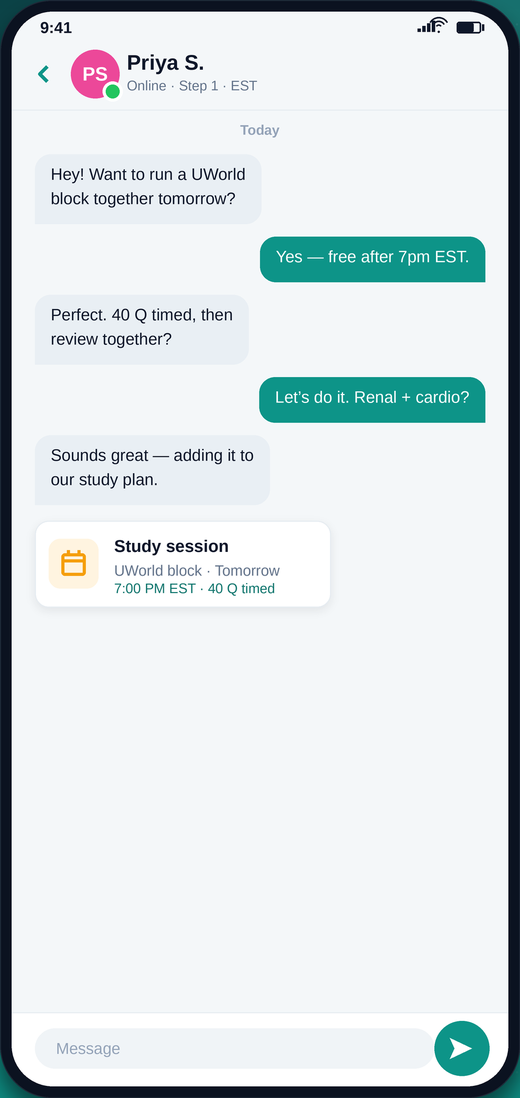
Once you're connected, chat instantly. Push notifications keep the thread alive without you living inside the app.
Turn "we should study sometime" into a scheduled 40-question timed block with a date, a time zone, and a partner expecting you.
Time-zone aware from day one. Match with someone whose evening is your morning, or find a partner in your own city.
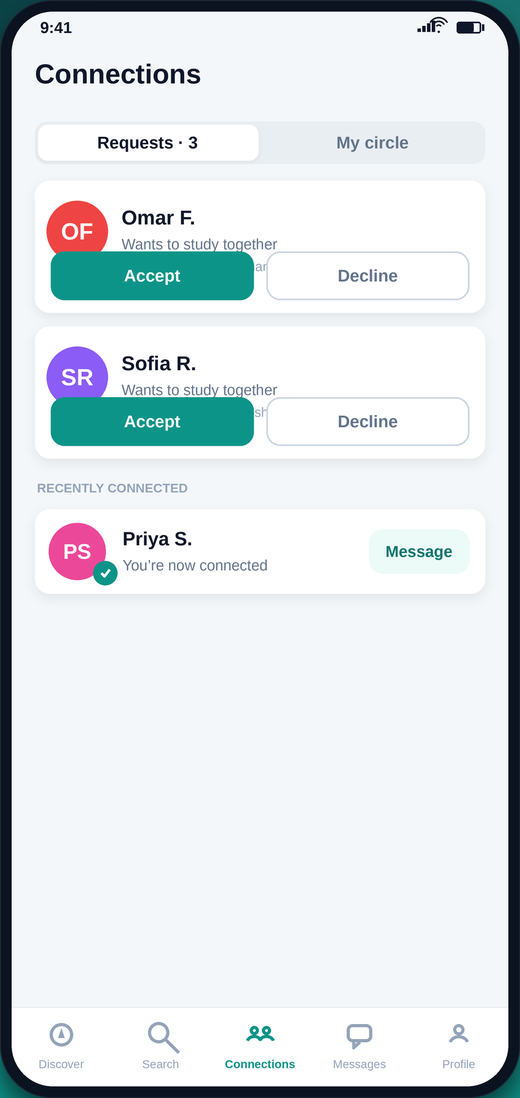
You control what's visible. Contact details stay private until you accept a request — and you can decline or disconnect at any time.
How it works
Exam track, specialty, target score, resources, and when you actually study. Takes about two minutes.
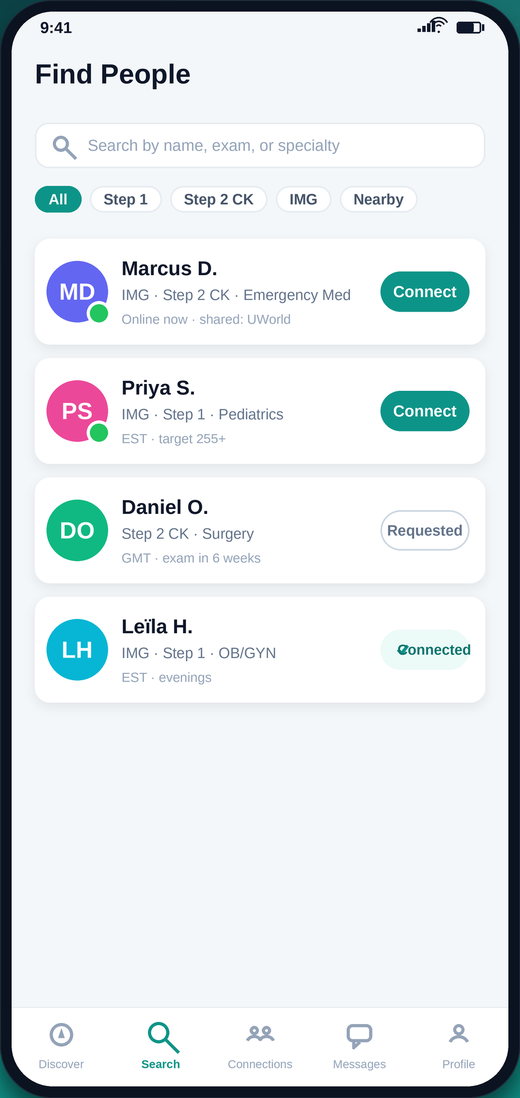
Swipe through ranked matches or search directly. Send a request; when they accept, you're connected.
Message, book a timed block, and review it together afterward. Keep a streak going.
A look inside
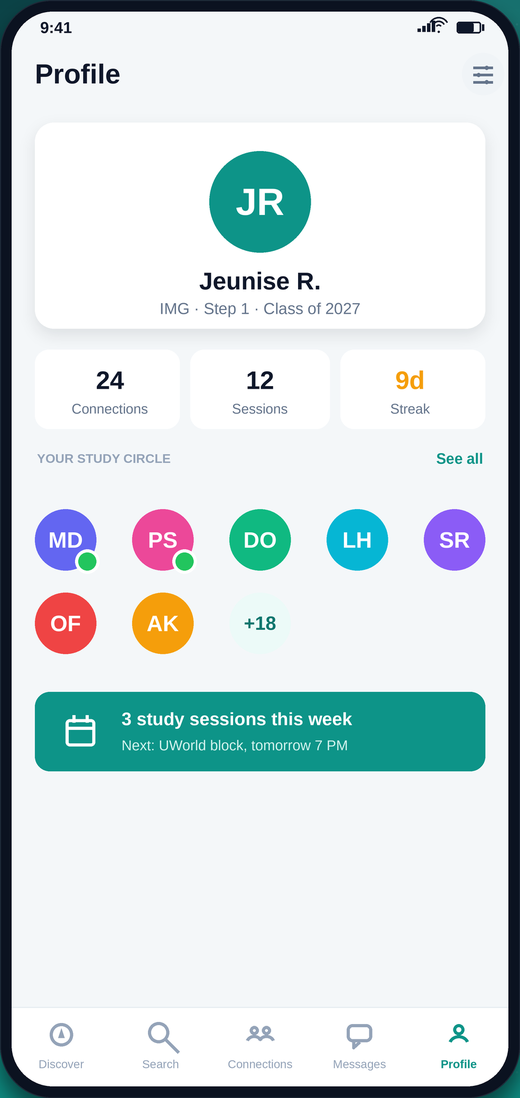
Every screen is designed to get you back to studying.
Pricing
Cancel anytime from the App Store. Premium Gold includes a 30-day free trial.
$0/month
Everything you need to find your first partner.
$9.99/month
For students actively building a study group.
$19.99/month
30-day free trial. Everything in Basic, plus:
Prices in USD. Subscriptions are billed through your Apple ID and renew automatically unless cancelled at least 24 hours before the end of the period.
Waitlist
We're onboarding students in batches so every new member has real people to match with. Join the list and we'll send your invite — no spam, one email when it's your turn.
FAQ
Medical students preparing for USMLE Step 1 or Step 2 CK — with a particular focus on international medical graduates, who often study without a local cohort. If you're preparing for these exams and want a partner who's on the same timeline, it's for you.
Yes. The Free plan lets you build a profile, get matches, connect, and message. Basic ($9.99/mo) and Premium Gold ($19.99/mo) add unlimited matching, advanced filters, and session planning. Premium Gold starts with a 30-day free trial.
We rank potential partners by exam track, overlapping study hours across time zones, target score range, specialty interest, and shared resources. You can also skip matching entirely and search for someone directly by name, exam, or specialty.
Your profile is only visible to other verified students, and your contact details are never shared. Connection requests must be accepted before anyone can message you, and you can decline, disconnect, or report a member at any time.
iOS ships first. Android is built on the same codebase and follows shortly after — join the waitlist and pick your platform, and we'll notify you the moment yours is live.
Subscriptions are handled through your Apple ID. Open Settings → your name → Subscriptions → StudyMeet → Cancel. You'll keep access until the end of the billing period.
Contact
Questions, press, partnerships, or a bug you want fixed — we read everything.